 XFast team
The paid Boost button works from a post you already published
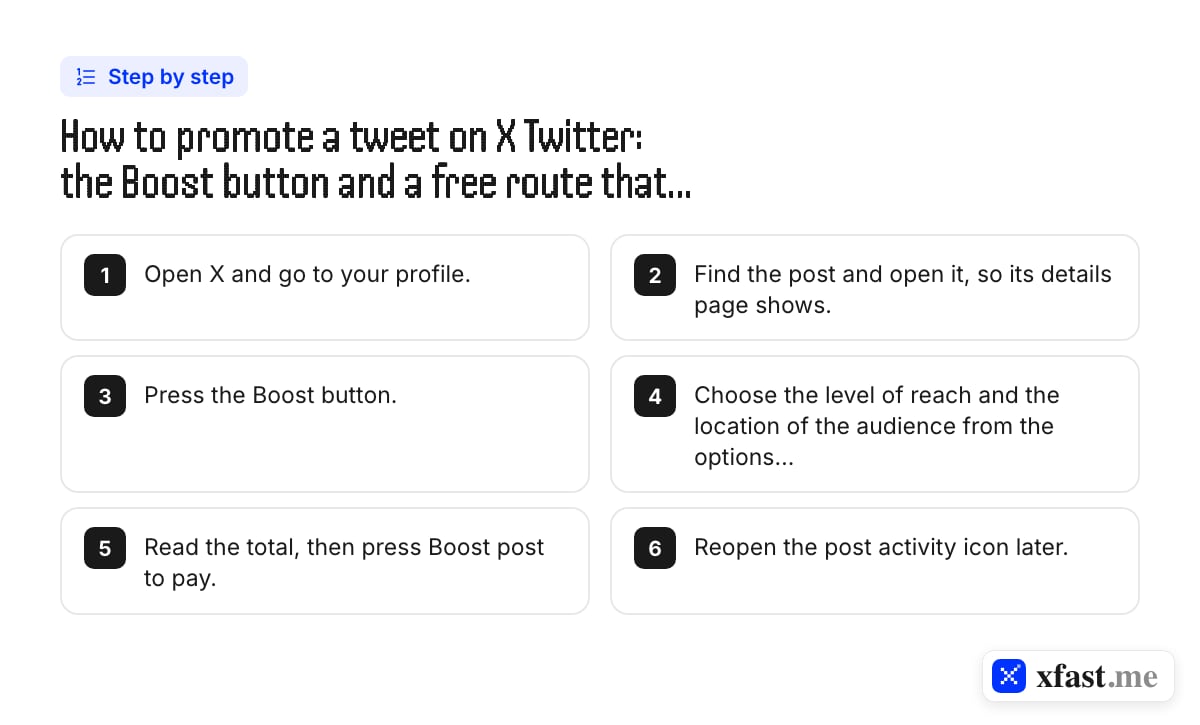
- Open X and go to your profile.
- Find the post and open it, so its details page shows.
- Press the Boost button. On some accounts the same step sits behind the post activity icon, the small bar chart, under a different label.
- Choose the level of reach and the location of the audience from the options on screen.
- Read the total, then press Boost post to pay. The first time, X also asks for your country, time zone, contact details and a payment method.
- Reopen the post activity icon later. Results are split into organic and paid, with impressions, link clicks and total interactions.
The run starts the moment you pay and lasts a few hours. It can't be paused or refunded, so check the total before step 5. For more control over audience and dates, the same post can run as a campaign in X Ads Manager at ads.x.com.
The Boost button is missing for a reason you can check in a minute
- The account has no Premium subscription. The button reached Premium accounts first and still shows up there most often.
- Your country is not on the list where Boost is offered.
- The account is not switched to Professional. Switching is free: open Edit profile, turn on Professional and pick a category.
- The ads account has no payment method saved. Add one at ads.x.com and the campaign tabs appear.
If all four are fine and the button is still gone, check again after the post is a few minutes old. A post without the button still has the free route below.
Paid reach and real support do different jobs
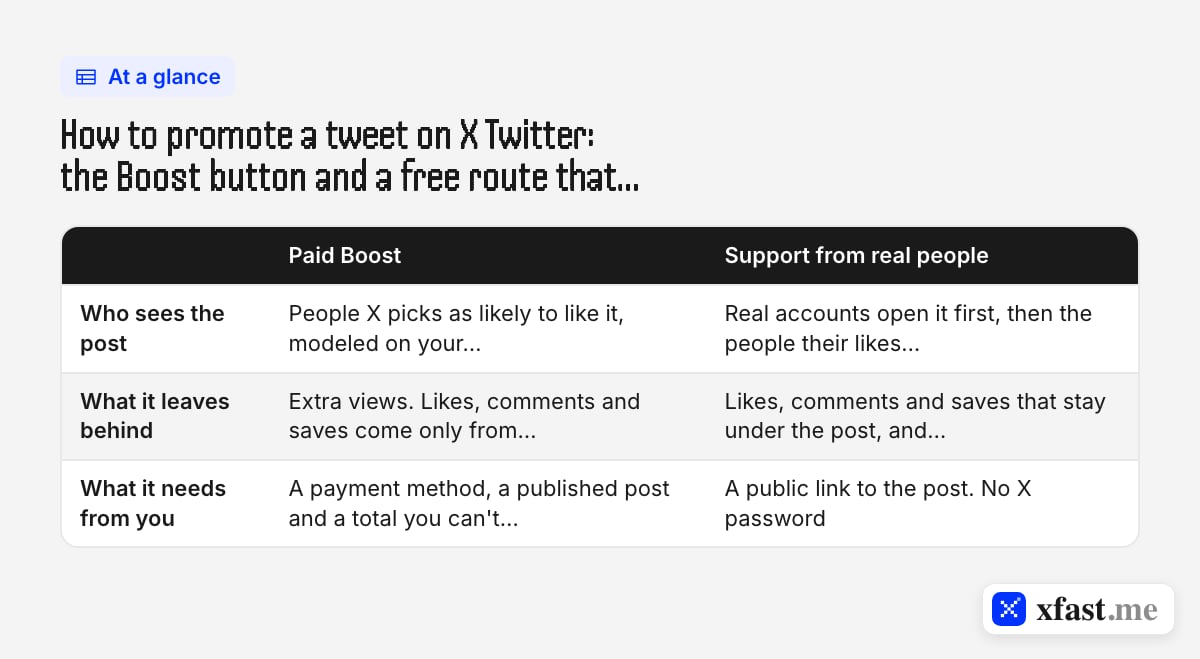
| Paid Boost | Support from real people | |
|---|---|---|
| Who sees the post | People X picks as likely to like it, modeled on your followers, for the hours the run lasts | Real accounts open it first, then the people their likes and comments put it in front of |
| What it leaves behind | Extra views. Likes, comments and saves come only from viewers who choose to react | Likes, comments and saves that stay under the post, and real readers who repost it |
| What it needs from you | A payment method, a published post and a total you can't take back | A public link to the post. No X password |
Views without reactions look thin to the next reader, so a silent post turns paid reach into a number and nothing else. A post that already has early reactions gives paid reach something to show.
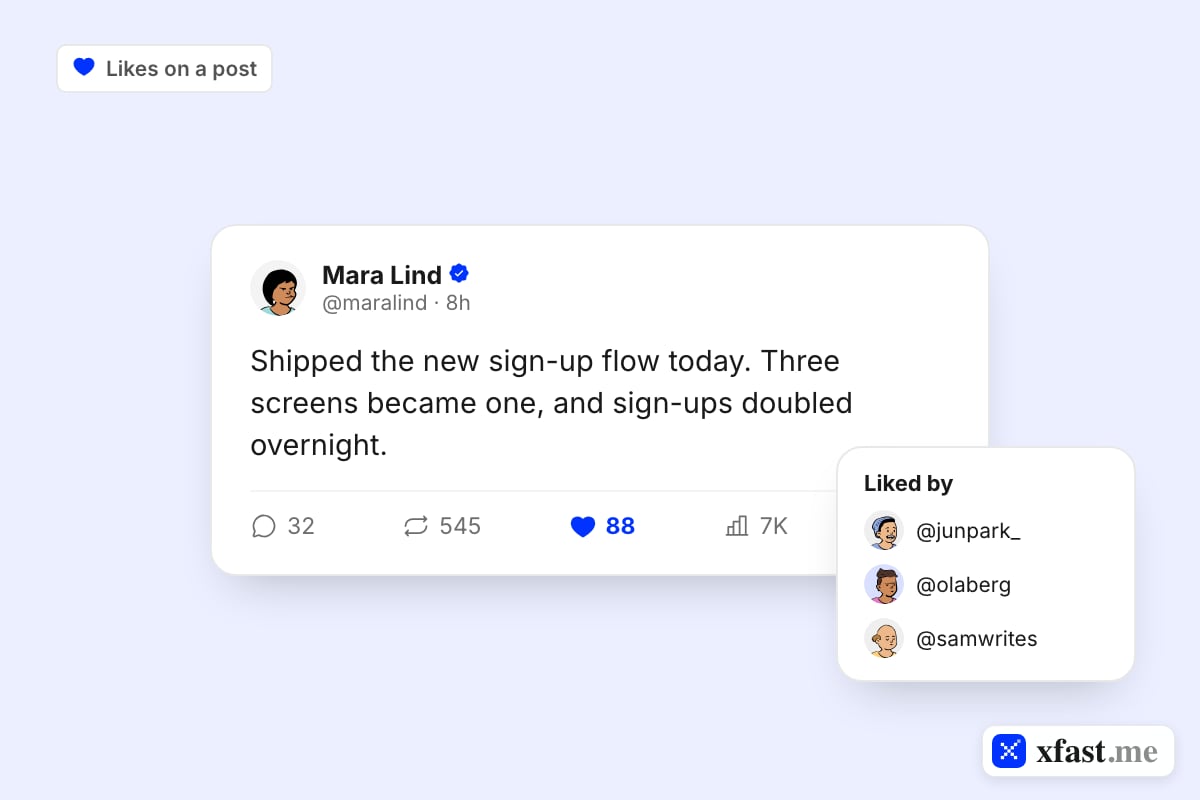
The free route is early likes, comments and saves in the first hour
The first hour decides how far a post goes. XFast gives free likes, free comments and free saves from real people. No bots: only verified accounts of real people with a photo and followers of their own, acting by hand from their own X accounts. Paste the public link to your post on XFast right after publishing.
A comment of six words or more that responds to your post carries weight, a bare "nice" carries none. A save tells the feed the post is worth keeping. Together with a like, they push a post into more feeds, and readers who see it repost it. Reposts come from those readers, not from us. More on the free approach is on our page on supporting posts for free and in how to get more likes on X.
Use the paid button on a post that already works and the free route on every post
Publish, send the link to XFast and watch the first hour. When the likes, comments and saves are arriving and you want the post in front of strangers as well, press the Boost button. When nothing is arriving, fix the first two lines and post again instead of paying for views nobody answers.
 Buy Twitter X views doesn't make sense: you get numbers, while real people open your post hereBuy Twitter X views and nobody reads the post. Free likes, comments and saves from real XFast members put it in more feeds, where views come from.
 Current X Twitter trends: where to see them right now and how to join one with a post that gets seenCurrent X Twitter trends live under the Trending tab. See where to find them, change the location, read the post count and join with a post that gets seen.
 Optimal posting frequency on X Twitter for growth: 1 to 5 posts a day, set by your stageOptimal posting frequency on X Twitter for growth: posts and replies a day for new, growing and established accounts, plus spacing and timing.