 XFast team
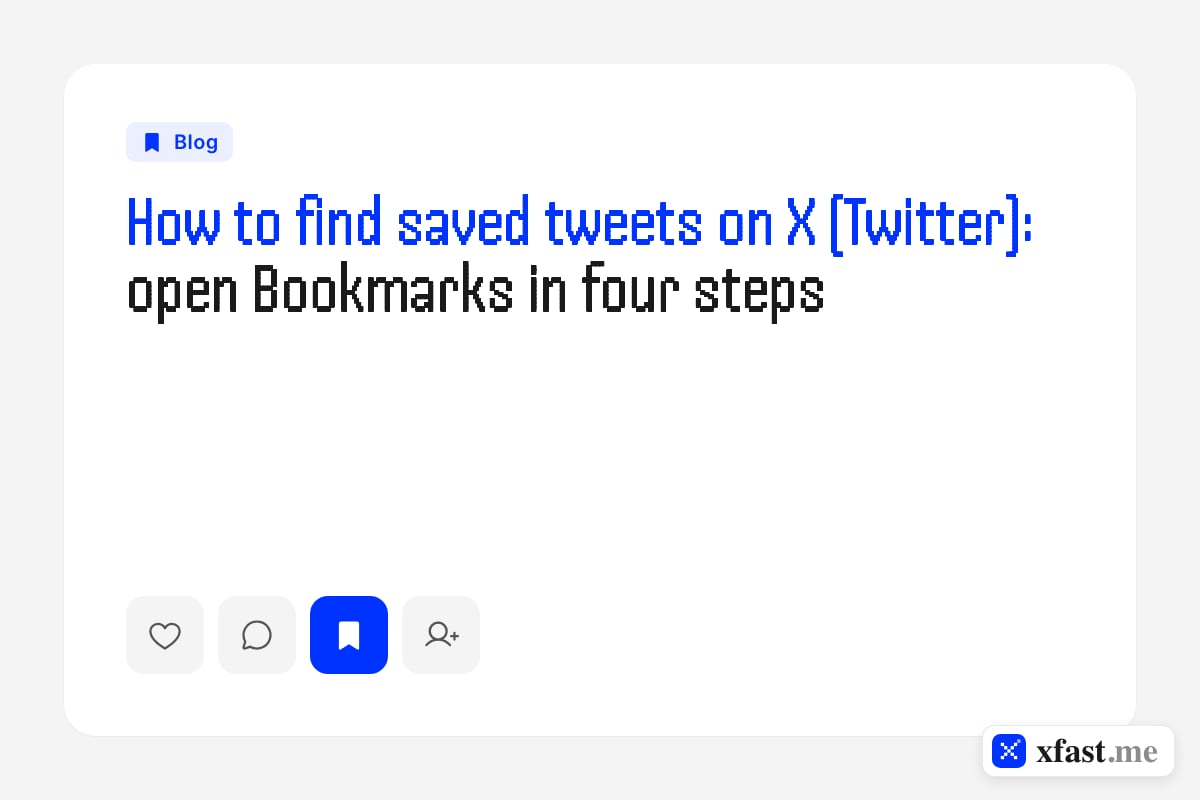
- Open the X app or x.com and sign in to the account you saved from.
- In the app, press your profile picture in the top left corner to open the menu. On the web, look at the menu on the left.
- Select Bookmarks. If the web menu hides it, press More first. If your app groups saved activity under History, open History and then its Bookmarks tab.
- Scroll. Your saves come newest first.
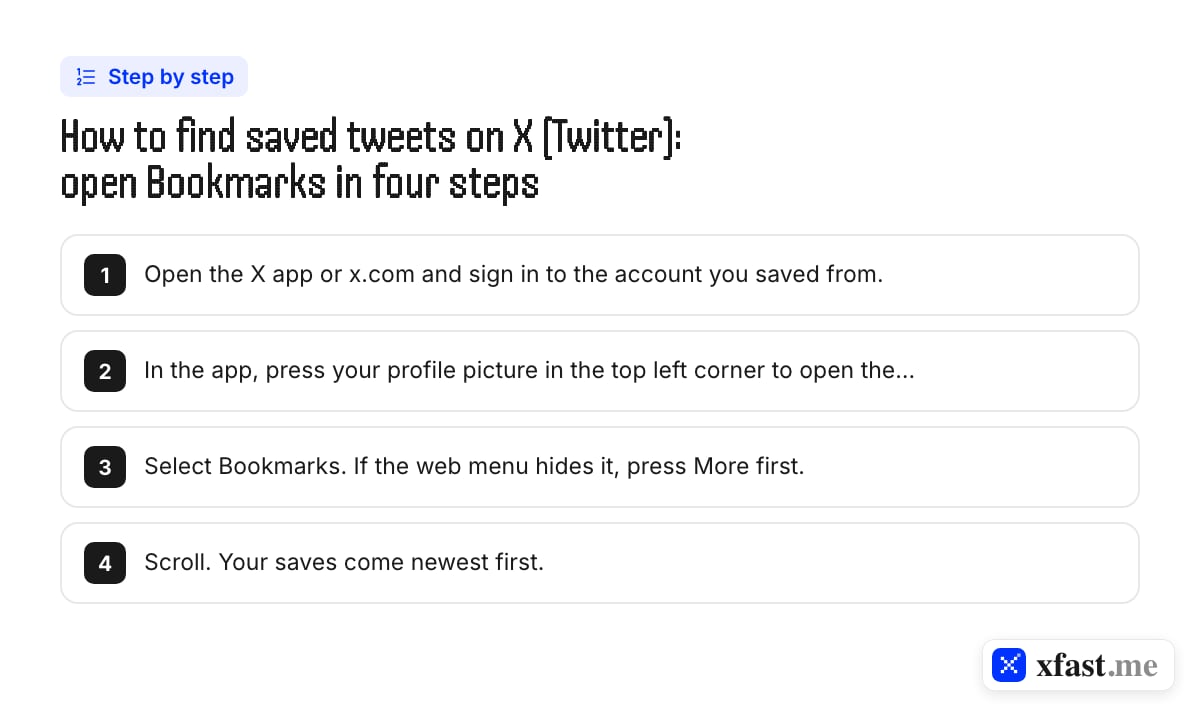
The same list opens straight from the address x.com/i/bookmarks. Saved posts live on your account, so the list is the same on your phone and in the browser.
Search finds a saved post by its words, never by its date.
The list has no date filter and no sort buttons. A word you remember does the work.
- Open Bookmarks.
- Press the search bar at the top of the list. If your app shows none, open x.com in a browser.
- Type the rarest word you remember from the post, or the author's name.
- Try another word if nothing comes up, because search matches the text of the post itself and not its pictures or links.
When you remember the author and the month but not the words, use search by account and date from how to view old tweets on X.
Folders need X Premium, and a free account keeps one list.
Every save lands in All Bookmarks. Named folders are part of X Premium, and folders stay private like the saves.
- Save a post, then press and hold its Bookmark icon.
- Choose Add to Folder.
- Name a new folder and create it.
- Or open Bookmarks, press the New Folder icon at the bottom, name the folder and press Create.
Taking a post out of a folder leaves it in All Bookmarks.
One press on the same icon removes a save.
- Open Bookmarks.
- Open the post you want to drop.
- Press the filled Bookmark icon under it.
- To clear the whole list, press the more icon at the top of Bookmarks and choose to remove all.
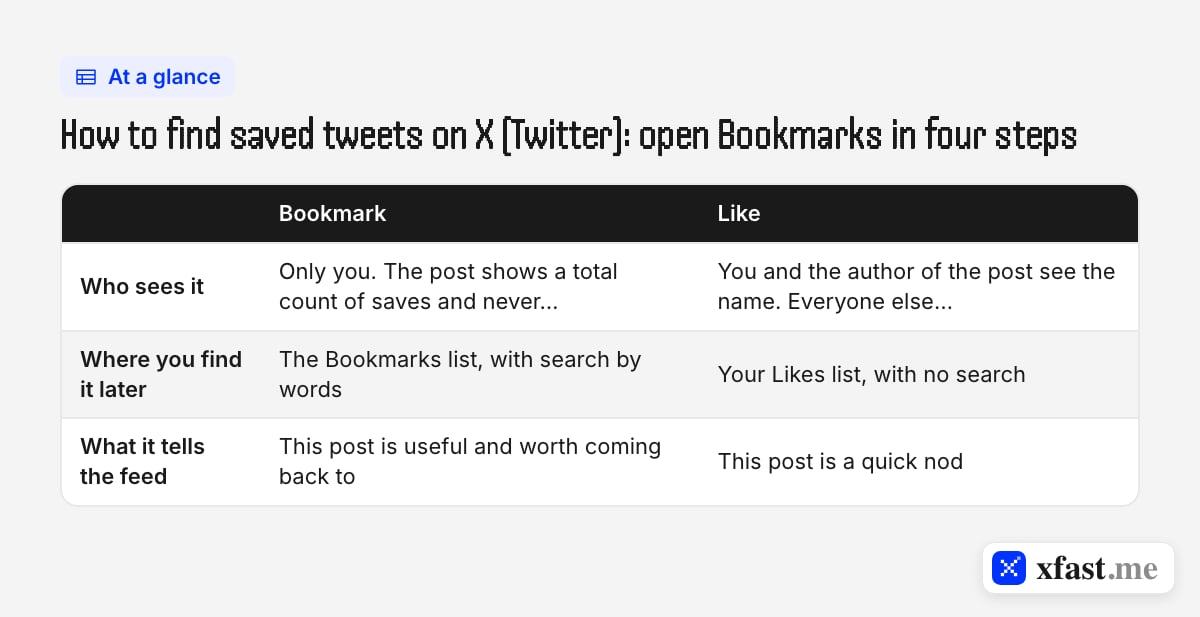
Nobody but you sees a bookmark, and that sets it apart from a like.
| Bookmark | Like | |
|---|---|---|
| Who sees it | Only you. The post shows a total count of saves and never the names | You and the author of the post see the name. Everyone else sees the number |
| Where you find it later | The Bookmarks list, with search by words | Your Likes list, with no search |
| What it tells the feed | This post is useful and worth coming back to | This post is a quick nod |
The list of who liked your own post is covered in how to see likes on X, and the privacy of likes in are X likes public.
A bookmark points to a post, so a deleted post takes its save with it.
If the author deletes the post, or the account is deleted, suspended or made private, the save drops out of your list. Copy the lines you need into a note on the day you save a post that matters.
A save tells the author the post is worth keeping, and saves on XFast are free.
Someone saved the post because they plan to use it, and that is the strongest quiet sign a post can get. If you write posts, ask for saves the moment you publish. Free saves on XFast come from verified accounts of real people, by hand, with no X password, only the public link to your post. Likes, comments and follows are free here too.
 Buy X saves doesn't make sense: it gives you only numbers, while real saves are free hereBuy X saves and you get bots and empty accounts. XFast gives free saves (Bookmarks) from verified real people, by hand, with no password.
 How to view old tweets on X (Twitter): the fastest way for each kind of postHow to view old tweets on X (Twitter): search by date, use the advanced search form, open your archive, and see what can be found of deleted posts.