 XFast team
1. Open History or your profile to see the posts you liked
Only you can see this list, newest first.
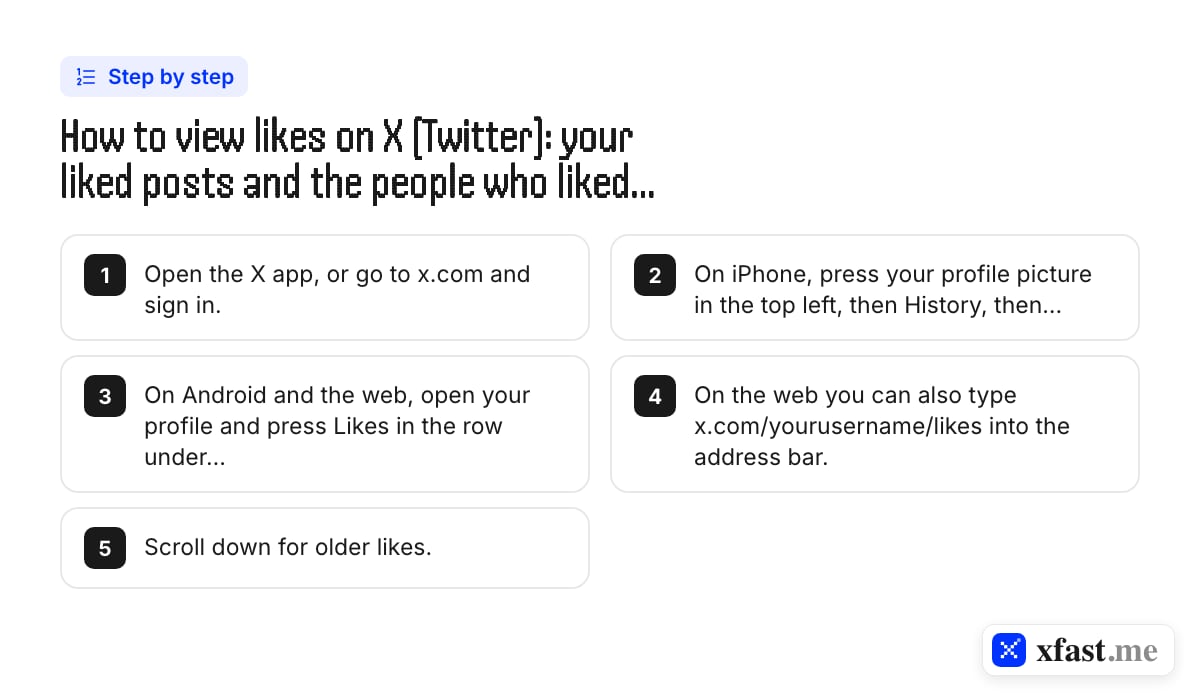
- Open the X app, or go to x.com and sign in.
- On iPhone, press your profile picture in the top left, then History, then the Likes tab next to Bookmarks, Videos and Articles.
- On Android and the web, open your profile and press Likes in the row under your bio. Swipe the row if you don't see it.
- On the web you can also type x.com/yourusername/likes into the address bar.
- Scroll down for older likes. Posts that were deleted since you liked them drop out of the list.
Myth: You can open a friend's Likes the same way. Reality: Only your own list opens. Other profiles show Posts, Replies, Reposts and Media, and likes are private on X.
2. Open post activity to see who liked your post
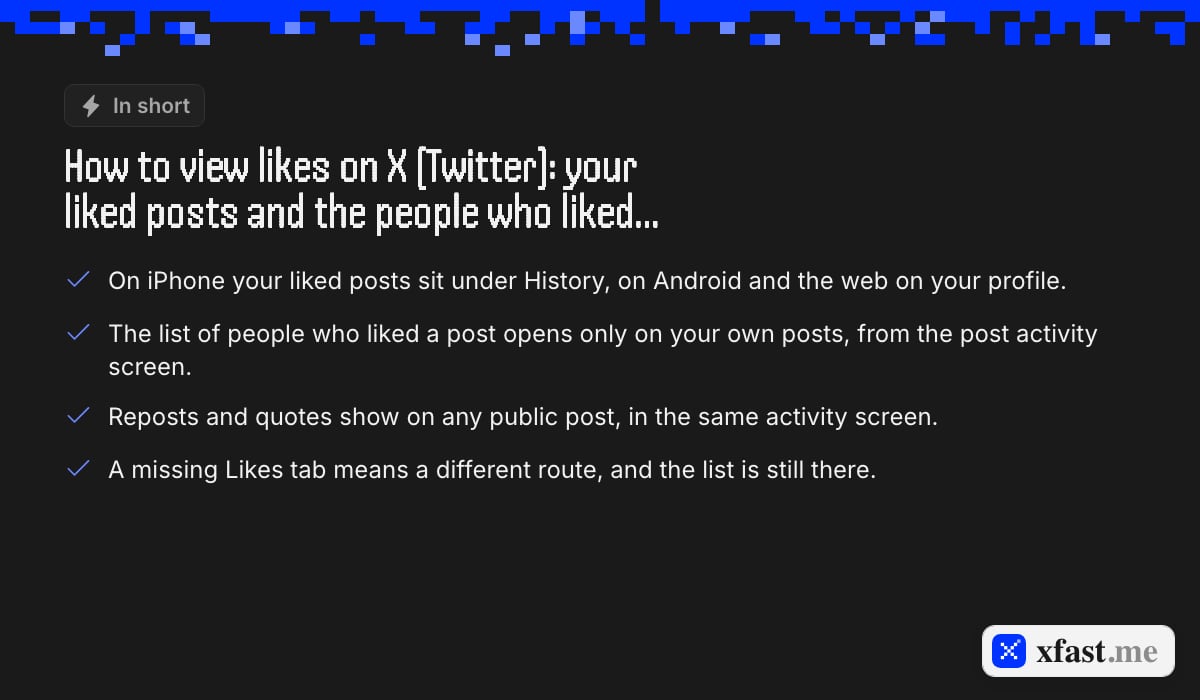
This works on posts you wrote, never on someone else's.
- Open your post so it fills the screen.
- Press View activity under the date and view count, or open the three dots menu and choose View post activity.
- Press the Likes tab next to Quotes and Reposts.
- Scroll the list. Each account shows its bio, and a Follow or Following button sits beside it.
New likes also arrive in Notifications, so you can see them as they come in.

3. Use the same screen to see who reposted or quoted a post
This one works on any public post, yours or not.
- Open the post.
- Open its activity screen, as in the steps above.
- Press Reposts for the accounts that shared it as is.
- Press Quotes for the accounts that shared it with their own words, and read what they added.
Myth: A like and a repost are the same signal. Reality: A repost carries your post to the followers of the person who shared it, which is why real readers repost only posts that gathered early likes, comments and saves.
4. Check three places when the Likes tab seems missing
The likes are still there. X moved the route and changed it by device.
- Update the X app, then close it and reopen it.
- Open the side menu from your profile picture and look for History. On iPhone the Likes tab lives inside it.
- On the web, open x.com/yourusername/likes while signed in.
- Check that you are on your own profile, because other accounts never show the tab.
- If one liked post is gone, it was deleted, or its account is protected or suspended.
Answer the people who liked your post, and they come back
The list is your first audience. Follow back the accounts that fit your topic, reply to one or two with something useful, and save the names of people who like every post. Their early likes on the next post matter most.
When the list is short, get free likes on X from real people with photos and followers of their own. They like your post by hand from their accounts, with no bots and no X password, and nothing is charged. To judge the result, run the numbers in our engagement rate calculator and see how to get more likes on X.
 Buy X likes doesn't make sense: it gives you only numbers, while real likes are free hereBuy X likes? Bought likes come from empty accounts that never read the post. Free likes, comments and saves from real people are at XFast.
 Are X likes public? No, only you and the author of the post can see themAre X likes public? No. Since June 2024 only you and the author of the post see them. Here is who sees what, and what it means for your own posts.
 How to get more likes on X (Twitter): tips that put your post in front of real peopleHow to get more likes on X (Twitter): tips for the first hour, the first two lines and who to ask, with a table of eight tips and free likes here.